
Weesper Neon Flow
Dictate text directly into apps on Mac and Windows. It works completely offline, so your voice data never leaves your computer. Use it in any text field.
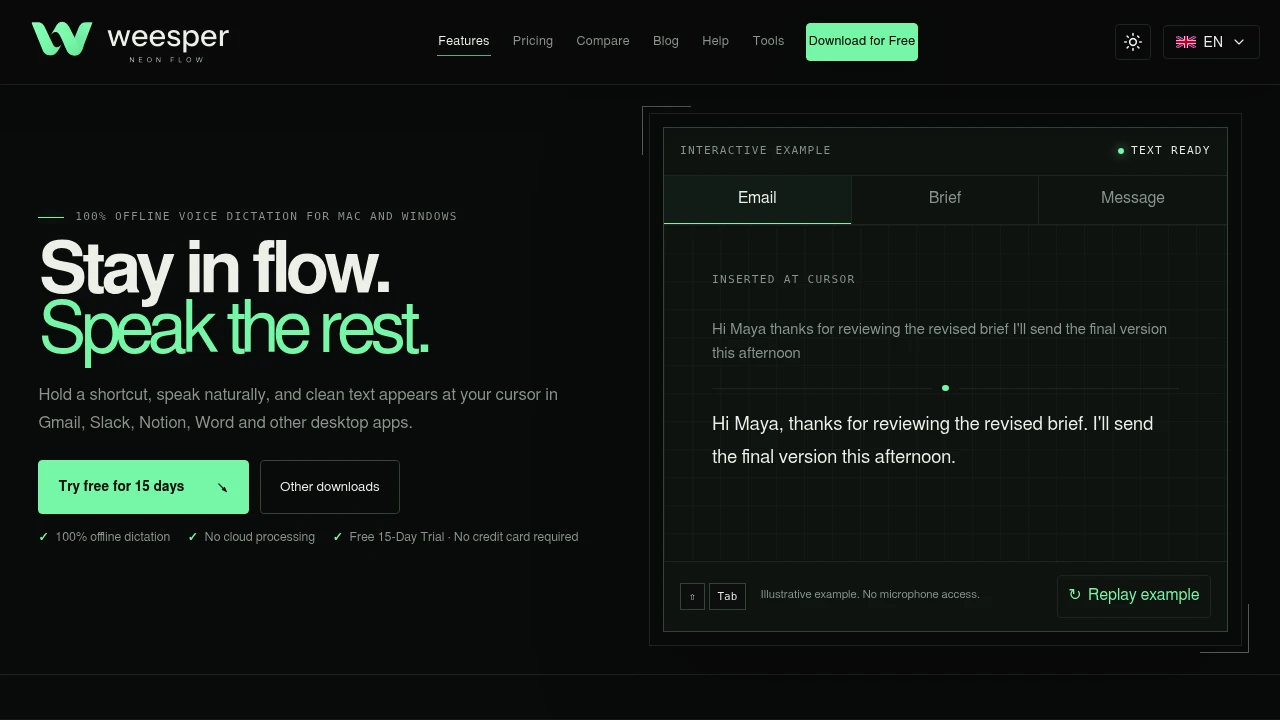
Weesper Neon Flow lets you dictate text into almost any app on your Mac or Windows computer. It's for anyone who wants to write faster than they can type, capture thoughts quickly, or reduce keyboard use. Its main feature is that it works completely offline. Your voice data is processed on your machine and never sent to the cloud.
The process is simple. You hold a keyboard shortcut, speak naturally, and then release the shortcut. Cleaned-up text instantly appears wherever your cursor is active. This works in email clients, messaging apps, browsers, and word processors without needing to switch windows or copy and paste.
It includes several features to make dictation efficient.
- 100% offline dictation: All speech recognition happens on your computer using the Whisper model. Your audio never leaves your device.
- Automatic text cleanup: The app adds punctuation and capitalization, and can remove common filler words like "uh" and "um".
- Multilingual capabilities: It supports over 50 languages with automatic detection. You can even speak in one language and have the text appear in another.
- Custom dictionaries: Add your own technical terms, names, or jargon to improve accuracy for specialized work.
- Contextual prompts: Guide the transcription style for different tasks, like drafting a formal email or writing code documentation.
Unlike many voice tools that rely on cloud servers, Weesper Neon Flow is built around its on-device processing. This focus on privacy is its key difference. It provides a single tool that works across both macOS and Windows, inserting text directly into the application you're already using.

Similar to Weesper Neon Flow
 SparkReceipt — Never lose another receipt. Get your bookkeeping down to ten minutes a month.


