European CRM: A Practical Migration Checklist
Plan your European CRM migration with a practical checklist for data location, contracts, imports, integrations, and a safer switch. Test your shortlist first.

Written by Kevin Christensen

Moving to a European CRM should improve how your team handles customer relationships, not just change the logo on your login screen. Before you switch, you need to know what data will move, which daily workflows must survive, and what the new provider actually promises about data handling.
Start with EuroToolKit’s European CRM directory, then use this checklist to test your shortlist. It covers practical fit, contracts, migration, and the first weeks after launch. A European address is a useful starting point for supplier review, but it isn't proof that every part of a service stays in Europe.
Define what your European CRM must do
Write down a normal working day before comparing feature lists. For a small sales team, that might mean capturing an enquiry, assigning an owner, booking a call, sending a quote, and recording the next action.
For a consultancy, the handover after a deal closes may matter just as much. Can the team turn an accepted quote into a project without retyping the customer's details? Does finance need an integration with accounting software, or do you want invoicing inside the same product?
Separate requirements into three groups:
- Must work at launch: contact records, open deals, task ownership, and the next follow-up date.
- Must pass a test: email sync, permissions, reporting, and the integrations your team uses every day.
- Can wait: new automations, extra dashboards, and workflows you don't use yet.
Set clear pass-or-fail checks. “Supports email” is vague. “A salesperson can find an email conversation on the correct customer record without exposing another team's mailbox” gives you something useful to test.
Keep the first version small. Moving systems and redesigning your entire sales process at the same time makes it harder to find the cause when something breaks.
Match the product to the workflow
These tools illustrate different starting points, not an overall ranking. Test the exact plan and product you intend to buy rather than assuming every advertised capability is included.

Manage your sales pipeline with less admin. Automatically log customer interactions from your email and calendar. A GDPR-compliant CRM built in Belgium.
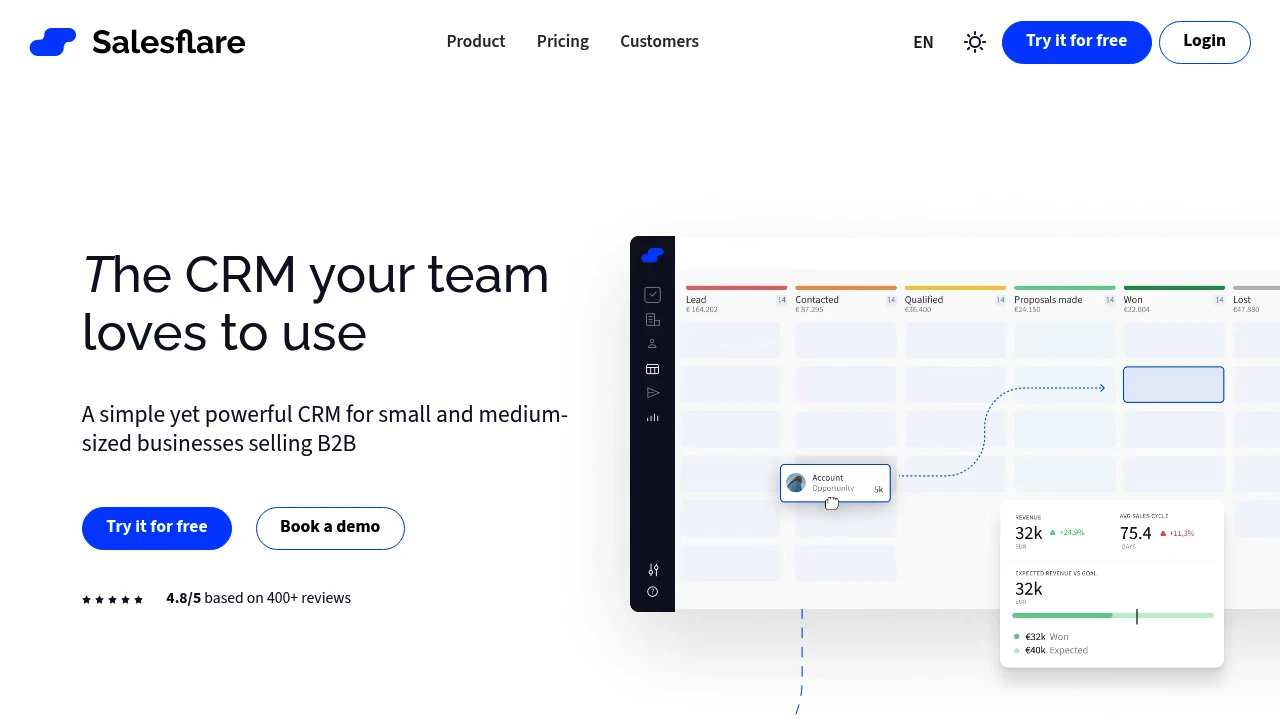
Salesflare focuses on B2B sales and automatically captures customer information and interactions from connected sources such as email and calendars. Consider it when reducing manual CRM updates is a priority.

Centralize your CRM, project management, and invoicing. Create professional quotes, track payments, and manage budgets from a single European platform.
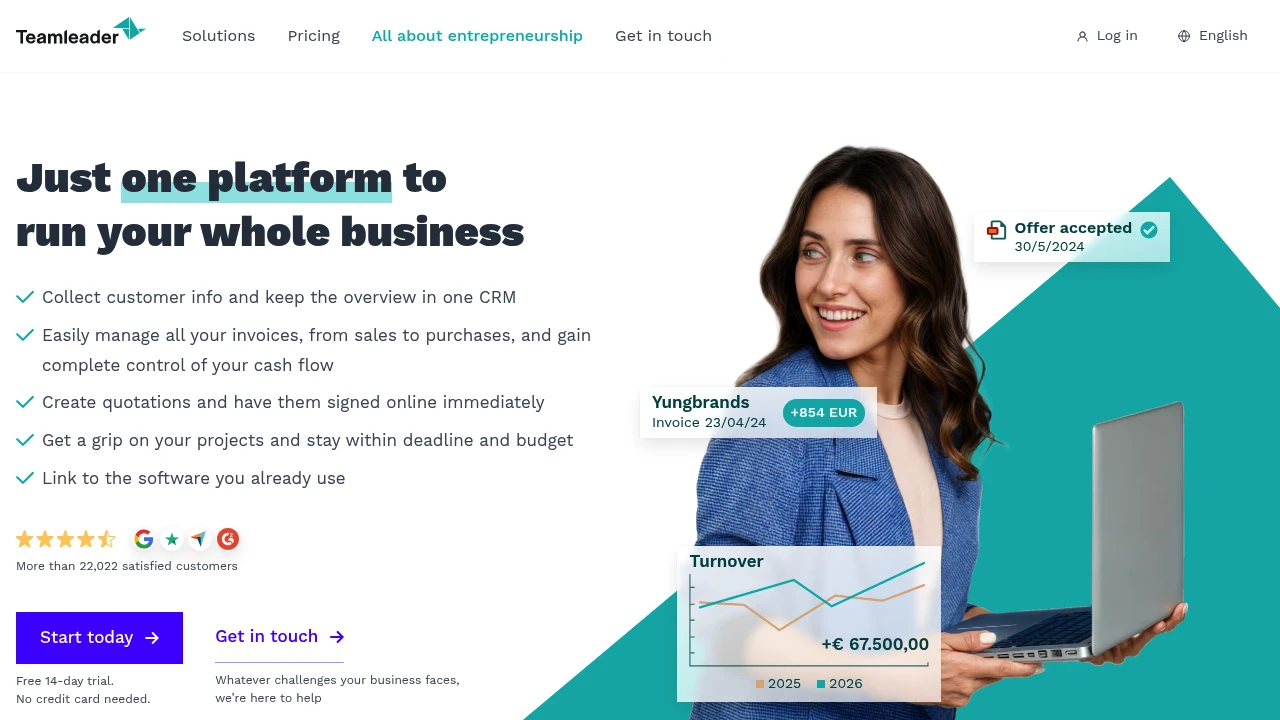
Teamleader Focus brings CRM, quotations, invoicing, and project management into one platform. It is worth testing when the handover from sales to delivery is part of the problem you want to solve.
Turn prospects into customers with a simple sales tool. Manage leads, customize your pipeline, and never miss a follow-up. A French tool built for GDPR compliance.
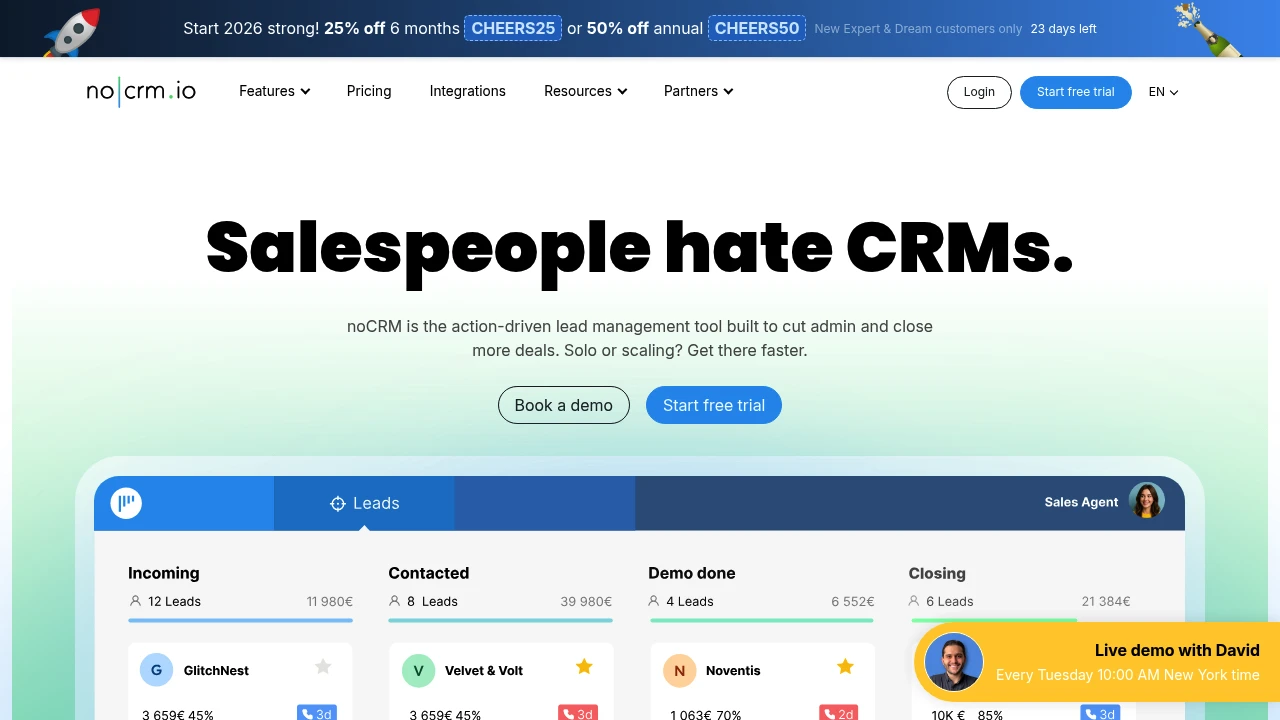
noCRM focuses on lead management, sales pipelines, and follow-up actions. Include it in your trial if you want a sales-focused workflow rather than a broader business management system.
The scope differences are visible in the providers’ own product descriptions: Salesflare, Teamleader, and noCRM. They don't establish which product will work best with your records, team, or reporting needs.
Give each shortlisted tool the same small test. Create a company with two contacts, add a deal, record a meeting, assign a follow-up, and move the deal to won. Then ask someone who didn't configure the system to find the next action.
Compare total cost alongside usability. Request a quote covering your user count, billing term, required integrations, migration help, and any paid add-ons. Check whether permissions, export options, and automation limits differ by plan. This guide doesn't quote subscription prices because a useful comparison needs your actual setup, not just a headline per-seat figure.
Check the contract and the full data path
Separate four questions: who you contract with, where the service hosts customer data, who else processes it, and who can access it. They are related, but they are not interchangeable.
Teamleader offers a useful example of why that distinction matters. Its legal information identifies Teamleader NV in Ghent, Belgium. Its GDPR information says Teamleader Focus hosts customer data on AWS servers in Dublin, Ireland. The same page also says some subprocessors are US-based and that limited transfers outside the European Economic Area can occur for specific purposes.
That is not an EU-only processing guarantee. Teamleader’s Focus subprocessor list identifies US hosting for services including Sentry error monitoring and SendGrid email notifications. Read the documents for the specific product and connected features you will use. Don't assume Teamleader Focus and Teamleader Orbit have identical hosting or deletion arrangements, either: the provider documents them separately.
For each candidate, request and review:
- The contracting entity and applicable terms of service.
- The data processing agreement and current subprocessor list.
- Hosting locations, backup arrangements, and any processing outside your required region.
- Support-access rules, permission controls, and available security documentation.
- Retention periods, account closure, export, and deletion procedures.
Ask whether optional email, enrichment, AI, calling, or integration features introduce additional processors. If a location requirement is firm, get a written answer covering the actual service configuration, not only the main database.
The European Commission’s guidance on controllers and processors explains the distinction between deciding how personal data is used and processing it on another organisation's behalf. Your CRM choice doesn't remove your own responsibilities. For wider stack planning, see our guide to choosing software when starting an EU business. This checklist supports supplier review; it isn't legal advice.
Clean, map, and test your records
A successful import starts before you upload a file. Decide what should move, what should be archived, and what your organisation should no longer retain. Apply your retention policy rather than copying everything because storage is available.
Create a field map with the source field, destination field, format, and record owner. Include relationships between contacts, companies, deals, and tasks. A file can import without errors while still putting information in the wrong place.
Use a small, representative sample first. Where possible, start with synthetic records so you can test the mechanics without exposing real customer information. Then, once your review allows it, use a controlled sample to check cases such as:
- Two people at the same company with similar names.
- A contact linked to more than one open deal.
- A record with accents, an international phone number, or an empty field.
- A deal with notes, attachments, and an overdue task.
- A contact whose marketing preferences or restrictions must be preserved.
Check what the import leaves behind. Email history, attachments, activity timestamps, custom fields, and record links deserve separate tests. Ask the provider how it handles each item rather than assuming a contact import includes the full customer history.
Compare source and destination counts by record type, then inspect individual records. Matching totals are necessary, but they won't reveal that a note belongs to the wrong customer.
Before the full move, document how you will reverse an unsuccessful import. Keep protected exports of the source data and record the point at which the old system stops being the source of truth.
Pilot integrations before the final switch
Run a short pilot with people who do different jobs. A salesperson, team lead, and finance colleague may discover different problems in the same workflow.
Test the connections you actually need. Confirm which records sync, in which direction, how quickly, and what happens when someone edits a record in both systems. Look for duplicate contacts, unexpected deletions, and changes that don't reach the destination.
Email deserves particular attention. Check mailbox permissions, shared inbox behaviour, calendar events, and what happens when a colleague leaves. Our guide to European alternatives to Google Workspace can help with the wider collaboration decision, but a listed email integration still needs its own practical test.
Keep outbound automations disabled during the import and pilot. You don't want an old deal triggering a new customer email because the migration changed a date or status. Enable each automation only after checking its trigger, audience, and message.
Agree on a switch-over plan with a named owner. It should cover the final export, any changes made during the migration window, user access, integration activation, and rollback criteria. Tell the team where to record new work during that window.
Test an export from the new CRM as well. Check whether you can retrieve the records and relationships you would need for another move. A usable exit path is part of the buying decision, not something to investigate after cancellation.
Choose a CRM you can operate and leave
The right European CRM is the one your team can use consistently, with data handling you understand and a migration you can verify. Start with the work: finding the right contact, seeing the next action, and handing a customer from sales to delivery without losing context.
Then test the parts that a demo can hide. Import a difficult record. Check a restricted user account. Disconnect an integration and see how the team notices the failure. Export your sample data and confirm that it is still useful outside the product.
Make the approval decision on evidence from your pilot, not on a long feature list. You should have a field map, checked record counts, tested workflows, a reviewed contract, and a clear owner for the switch. If an important question remains unanswered, keep it on the decision sheet instead of treating it as a future configuration task.
After launch, review missed follow-ups, duplicate records, access rights, and integration failures before adding more automation. Give colleagues a simple route to report problems, and make someone responsible for resolving them. The first goal is a reliable working system, not a perfect dashboard.
Use the directory to build a shortlist, then ask each provider to prove the parts that matter to your business. A deliberate pilot may take more effort than a quick import, but it gives you a clearer basis for choosing, operating, and eventually leaving your CRM.

 SparkReceipt – Never lose another receipt. Get your bookkeeping down to ten minutes a month.