European Password Managers: A Safer Team Setup
Compare European password managers for your team. Check hosting, sharing, recovery, and plan limits before choosing a managed service or self-hosted vault.

Written by Kevin Christensen

A shared spreadsheet isn't a team password policy. Neither is a browser full of saved logins that leaves with the person who created them. European password managers can help you give colleagues access without making one employee the keeper of every business account.
The harder choice is how to run one. Do you want a managed service, a vault on your own infrastructure, or a specific hosting arrangement? Start with EuroToolKit's European password manager directory, then use this guide to compare deployment, sharing, recovery, and the cost of running the setup you choose.
This is a buyer's guide, not a hands-on security audit or a claim that a European address makes a product safe.
What makes a password manager European?
Separate three questions: who supplies the service, where it stores data, and who can access that data. A provider's registered address answers only the first.
For example, Passbolt's legal information identifies Passbolt SA in Luxembourg. Psono lists esaqa GmbH in Germany, while Proton Pass's privacy policy identifies Proton AG in Switzerland. Switzerland is European, but it isn't an EU member state. If your procurement policy requires an EU supplier, treat that as a specific requirement rather than a synonym for European.
Hosting needs the same care. Passbolt's cloud plan page distinguishes Cloud Business, hosted in Google Cloud data centres in Belgium and Germany, from its Cloud Sovereign offering, hosted in a private data centre in Luxembourg. Those are different infrastructure choices from the same supplier.
Proton's Pass privacy policy says its storage servers are in Switzerland, Germany, or Norway. It also describes a separate infrastructure arrangement for some hide-my-email alias functions. That is not an EU-only storage promise.
Before signing, ask for the data processing agreement, subprocessor list, storage and backup locations, and support-access arrangements for the exact service you intend to buy. European ownership and European hosting are useful checks, not substitutes for reviewing the contract. Software choice can support compliance work; it doesn't replace legal or security review.
Choose managed hosting or self-hosting first
Managed hosting is worth considering when nobody on your team owns server maintenance. You still need to manage users, recovery, devices, and access rules, but you don't also take on the whole application server.
Self-hosting gives you a way to choose the infrastructure and its location. It also gives someone a job: applying updates, monitoring availability, protecting backups, and proving a restore works. A free licence doesn't make that work free.
Consider these three published directory options as starting points, not a ranked list:

Manage and share passwords securely with an open source, audited tool built for team collaboration, compliance, and control.
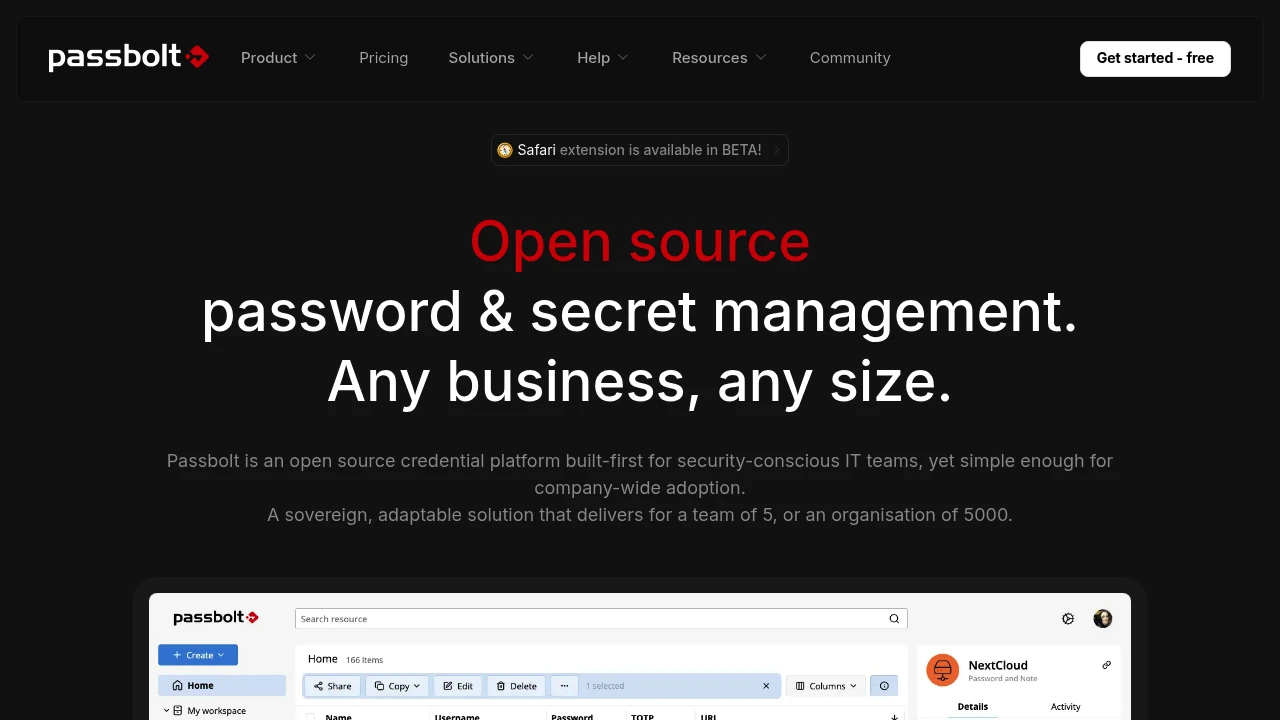
Passbolt is an open source password and credential manager for teams, with self-hosted and managed cloud options. Consider it when shared access and the choice of deployment model are central to your buying decision.
Its self-hosted plan comparison separates the free Community Edition from paid capabilities such as account recovery and activity logs. Check the edition rather than assuming every feature described on the main site is in the free version.

A self-hosted, open source password manager for businesses. Store and share credentials securely with client-side encryption, audit logs, and SAML/LDAP support.
Psono supports client-side encrypted vaults and team sharing, with self-hosted and SaaS options. It is worth evaluating when your team wants to run the vault on infrastructure it selects.
Psono's security page says its cloud service uses AWS and Google Cloud. A German supplier is therefore not, by itself, proof that a hosted plan avoids US-headquartered infrastructure providers. Ask which arrangement applies to your proposed service and where its data will sit.

Store and sync passwords, passkeys, and credit cards. Create unique email aliases to hide your real address and prevent spam. Access everything on any device.
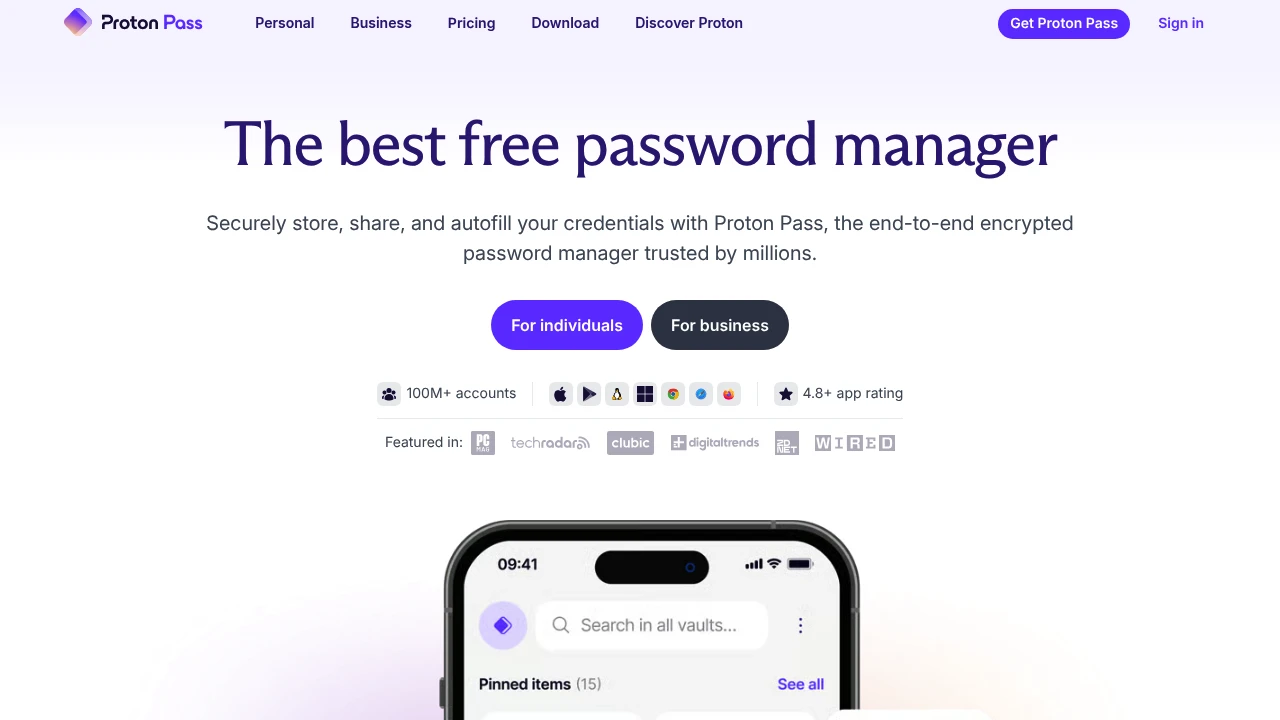
Proton Pass offers a managed business password manager with shared vaults, passkeys, and administrative controls. Consider it if you want to evaluate a hosted workflow rather than operate a vault server yourself.
The business product page describes sharing, admin policies, and activity logs. Confirm the features you need against your chosen plan, especially if you are comparing a personal subscription with a business account.
Test sharing, recovery, and offboarding
A product can store passwords well and still fit your team's workflow poorly. Run a small pilot with invented credentials before importing anything important.
Give the test a real shape. For a small agency, that might mean a finance vault, a client-delivery vault, and a separate group for contractors. Use individual accounts in the underlying business apps wherever practical. A password manager is for the credentials you need to manage, not a reason to replace every individual account with a shared login.
Work through these checks:
- Sharing: Can a colleague access the test item without receiving it in chat or email? Can you restrict access to the right group?
- Recovery: What happens if a user loses a device or forgets the vault password? Who can approve recovery, and what must have been set up first?
- Administration: Can a second authorised person manage the organisation if the main administrator is absent?
- Offboarding: Can you remove the user, review their shared access, and identify credentials that should change?
- Daily use: Does autofill work on the browsers and devices your colleagues actually use?
Removing vault access is not the same as making a previously seen password unknown. Rotate relevant shared credentials and revoke sessions in the underlying services as part of your exit process.
If you're also moving collaboration tools, use the European alternatives to Google Workspace guide to keep email, document ownership, and account access in the same planning discussion. The vault is only one part of that move.
Compare the bill for your actual team
Compare the smallest plan that meets your requirements, not the lowest price on a landing page. Check minimum seats, billing period, taxes, support, and the features tied to each edition.
Passbolt's self-hosted Pro page lists a minimum of ten users. Its cloud page also lists a ten-user minimum for Business and Sovereign. A team with fewer people should account for that minimum when comparing the paid options, while keeping the free Community Edition's different feature set in view.
Psono's homepage advertises business features free for up to ten users and describes both self-hosted and SaaS deployment. Confirm which edition and deployment that allowance covers before budgeting. Ask for the next tier's minimum commitment rather than assuming that adding one colleague means paying for just one extra seat.
Rather than freeze currency-dependent prices into your shortlist, record a dated quote with these fields:
- Selected edition and deployment model.
- Paid seats and minimum commitment.
- Required recovery, authentication, and logging features.
- Hosting, backup, and support costs.
- Who will maintain the system and train colleagues.
For a self-hosted vault, include staff time in that comparison. For a managed service, ask what support will and won't do during a lockout. Neither deployment model removes your responsibility to keep a usable recovery process.
Plan a controlled move, not a bulk import
Start by mapping the accounts you depend on: email, finance, customer systems, hosting, and other shared services. Mark the owner of each account and whether it already supports individual user access.
Then pilot one team or a small set of low-risk accounts. Document how to create a new item, request access, report a problem, and recover an account. Make sure at least two authorised people understand the administrative process.
Before exporting the old vault, check the format and whether the export contains readable secrets. Keep it out of shared folders, email attachments, and source repositories. After the migration is verified, remove temporary exports under your organisation's retention and deletion policy.
Test a sample of imported entries rather than trusting a success message. Check URLs, notes, shared permissions, and any items that need manual handling. Ask the supplier how passkeys and other non-password items transfer; don't assume a password export covers everything.
Our European CRM migration checklist covers a separate system move, but the useful connection is ownership: decide who controls the business accounts before changing how the team stores access to them.
Pick the setup your team can keep running
The best European password manager for your business is one your team can use every day and recover when something goes wrong. Start with your operating model, not a country flag or a long feature table. A managed service may fit a team without server expertise. A self-hosted vault may fit an organisation that has the people and processes to maintain it.
Keep the shortlist small. Compare the exact edition, test sharing with dummy accounts, and make someone demonstrate recovery. Ask a colleague outside IT to try the normal login workflow. If that person cannot find the right item or understand an access request, resolve the problem before rolling the tool out to everyone.
Next, write down what you have actually verified: the contracting supplier, hosting arrangement, required features, minimum seats, and recovery responsibilities. Keep unanswered questions visible. An unknown backup location or an unclear offboarding process is something to resolve, not a gap to fill with a reassuring assumption.
Finally, agree who owns the vault after launch. Name a primary administrator and a backup, review access when people change roles, and revisit the setup when your team grows. Return to the directory to build your shortlist, then choose on the strength of the pilot and the contract. The goal is dependable access with clear responsibilities, not simply moving the same shared-password habits into a newer app.

 SparkReceipt – Never lose another receipt. Get your bookkeeping down to ten minutes a month.