European Scheduling Software: A Data-Residency Guide
Choose European scheduling software with a practical data-residency checklist. Compare hosting, contracts and booking workflows before moving your client data.

Written by Kevin Christensen
European scheduling software can make booking meetings easier, but a European address doesn't tell you where every copy of your booking data goes. Calendar connections, reminders and support services all deserve a closer look before you switch.
For a small consultancy, startup or service business, the useful question isn't simply “Is this tool GDPR compliant?” It's “Does this setup meet our needs, and can we explain how it handles client data?” Start with our European booking software directory, then use the checks below to narrow your shortlist.
This guide separates provider location from data residency, looks at two practical examples, and gives you a small pilot you can run before moving your whole team.
What European hosting does, and doesn't, tell you
Data residency means where data is stored. Provider jurisdiction concerns the legal entity you contract with and the laws that apply to it. They answer different questions, so record both when comparing booking tools.
A provider may store its main booking database in the EU while using separate companies for messages, payments or customer support. Connecting your calendar adds another service to the workflow. Treat the booking page as the front door, not the whole building.
The European Data Protection Board's guide to international transfers explains that GDPR places conditions on transfers of personal data outside the European Economic Area. It doesn't turn an EU server location into a complete compliance assessment. Other duties, such as data minimisation, security and an appropriate legal basis, still matter.
Ask each vendor for a plain-language answer to these questions:
- Which legal entity provides the service?
- Where are booking records, backups and operational logs stored?
- Which outside providers process client or staff data, and for what purpose?
- Can support teams outside the EEA access personal data?
- Which optional features change the data flow?
If your policy requires EU-only processing, say that explicitly. “European provider” and “EU-only processing” aren't interchangeable requirements.
For the wider email and calendar decision, our guide to European alternatives to Google Workspace offers useful context. Assess the scheduling tool and the connected calendar together rather than treating them as separate purchases.
Read the processing terms before connecting calendars
Start with the data processing agreement, usually called a DPA. When a provider processes personal data on your behalf, the processor relationship needs an appropriate contract. The EDPB's guidance also makes clear that transfer arrangements don't remove that requirement.
You don't need to turn the first review into a legal project. Collect the documents and flag gaps for whoever handles privacy in your business:
| Document or answer | What to check |
|---|---|
| DPA | What data and processing the agreement covers |
| Subprocessor list | Which suppliers receive data and why |
| Hosting statement | Whether it covers backups as well as the main database |
| Retention terms | What happens to old bookings and closed accounts |
| Security documentation | Access controls, incident handling and the scope of any certification |
Keep the distinction between a vendor's own certification and its hosting provider's certification clear. Evidence about a data centre isn't automatically evidence about every part of the booking service.
Next, review the actual form. A discovery call might need a name, work email and a short topic. It probably doesn't need a full client history in an open text box. As a practical precaution, avoid inviting sensitive details unless you've assessed how that information will be handled.
Also check what appears in calendar invitations and reminder messages. A discreet booking form isn't much help if its answers are copied into an event title shared with the wrong people.
This is a procurement checklist, not legal advice. For sensitive workflows or strict contractual requirements, have the proposed setup reviewed before you use real client data.
Two tools that show why the details matter
These are examples from the directory, not a ranking or a claim that either tool fits every business. Their documentation illustrates why you should read beyond the hosting headline.

Schedule meetings automatically and capture leads in one flow. Use routing forms to qualify prospects and sync contacts to your CRM. GDPR compliant.
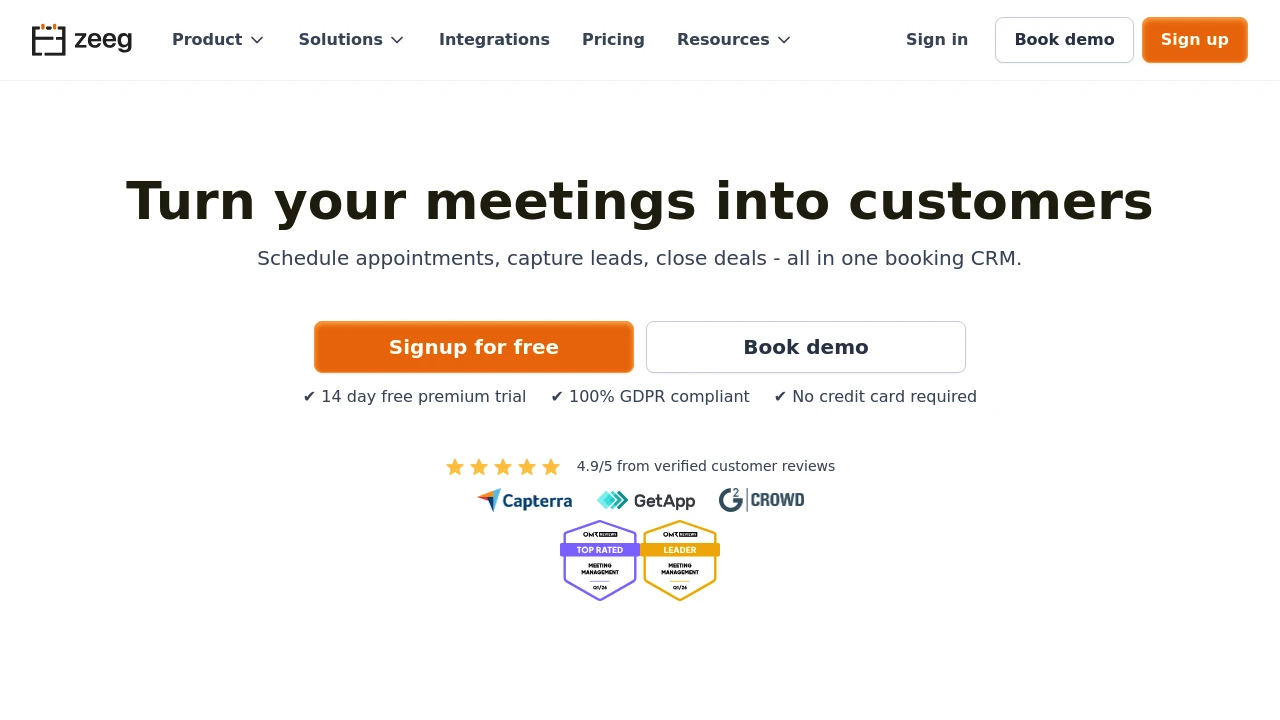
Zeeg offers online scheduling, routing forms and team scheduling features. It's worth assessing when you need to direct incoming appointment requests to the right person rather than share a single booking link.
Zeeg's data protection documentation describes hosting for bookings, contacts and form data in Germany, with a backup location in the Netherlands. Its website presents it as a German scheduling provider.
That is useful evidence for an EU-hosting shortlist, but it isn't a reason to skip the rest of the review. Ask for the current DPA and subprocessor list, and check the calendar, messaging and other features you plan to enable. Don't assume a statement about booking storage covers every connected service.

Accept online bookings 24/7 with a custom website or widget. Automate reminders via SMS and email, and take payments through Stripe, PayPal, or a POS system.
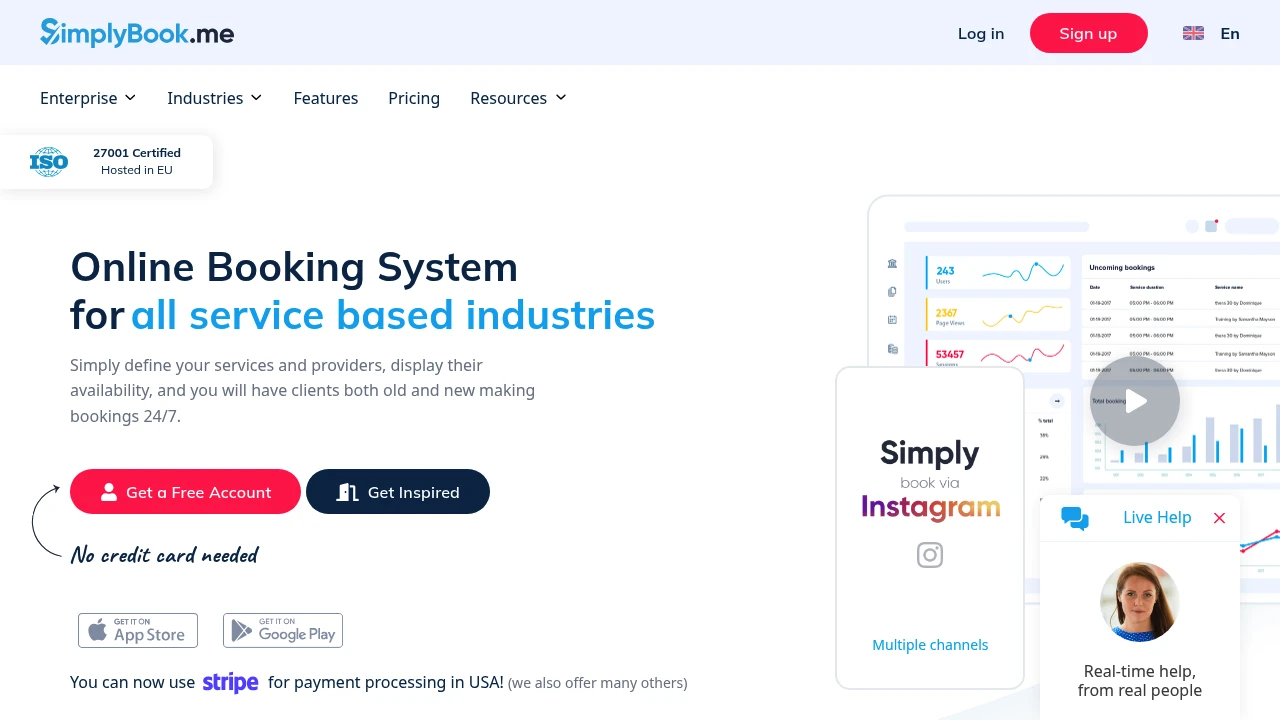
SimplyBook.me supports service bookings, automated reminders and online payments. Consider it when clients need to choose a service and appointment, rather than only find a time for a business meeting.
The SimplyBook.me privacy policy identifies the company as based in Cyprus. It says that data, including backups, for EU-based businesses is stored in the EU, while also stating that data may be transferred outside the EU.
Those statements aren't the same as an unconditional promise that nothing leaves the EU. Before buying, confirm how your business location is determined, which transfers apply to your account and what changes when you activate integrations.
For both tools, the workflow matters as much as the provider's address. A sales team needs different routing and calendar behaviour from a studio taking paid appointments. Shortlist for the job first, then verify the data handling for that specific setup.
Compare the full workflow and cost in a small pilot
Avoid switching the whole team on the strength of a feature list. Choose one booking type, one staff member and a separate test calendar. Use fictional client details until you've checked permissions and data handling.
Run a complete booking cycle:
- Book from a phone. Check the form, time zone and confirmation page.
- Create a calendar conflict. Confirm the connected calendar blocks the intended time.
- Reschedule and cancel. Check both the client message and the staff calendar.
- Review access. Confirm who can see booking details and change settings.
- Test the exit. Check the available export and deletion process before importing a client list.
These are suggested tests, not claims that every listed tool supports each action in the same way. If a requirement fails, ask the vendor whether it needs another plan, a configuration change or a different product.
If appointments feed a sales process, use our European CRM migration checklist to think through ownership and handoffs. Decide which system should hold the authoritative client record before you add automatic syncing.
Then price the workflow you tested. Ask for a quote covering your staff count, expected booking volume, reminders, payment setup and required integrations. Check whether messaging credits, optional features or payment-provider charges sit outside the subscription. Don't compare one vendor's entry plan with another vendor's fully configured package.
Keep a short decision record: the required features, documents reviewed, unresolved questions and estimated total cost. This gives you a reason to choose a tool beyond “the demo looked good.”
Choose the setup you can explain and maintain
The best European scheduling software for your business is the one that handles your appointments without leaving basic questions unanswered. A useful shortlist starts with the booking job, then checks the provider, storage locations, connected services and contract terms.
Don't make the decision on country labels alone. A German provider and a Cyprus-based provider can both deserve consideration, but you still need to understand their individual arrangements. EU storage is a useful requirement when it matches your policy. It isn't a substitute for reviewing access, retention or the services connected to the account.
For a small team, keep the first rollout deliberately narrow. Launch one booking type, collect only the details you need and leave optional integrations off until there's a clear reason to use them. Assign someone to own the calendar connection, user access and vendor documentation. That makes future reviews easier when your team or the product changes.
Before you commit, ask yourself: can we describe where a booking goes, who can see it and how we'd remove it? If the answer is unclear, get clarification before adding real client records.
Use the directory to build your shortlist, not to skip due diligence. A successful pilot should show that clients can book easily, staff can manage changes and your business can explain the setup with confidence. Choose on that evidence, then expand only as the workflow proves useful.
 SparkReceipt – Never lose another receipt. Get your bookkeeping down to ten minutes a month.