4 European Website Builders for Privacy-First Sites
Compare four European website builders for privacy-conscious teams. Learn what to check for hosting, integrations, data flows, and easier launches.

Written by Kevin Christensen
A European website builder can give a small team a faster path from idea to launch without forcing every visitor interaction through the same global software stack. The key is not to assume that a European provider, EU hosting option, or cookie banner solves every privacy obligation. It is to choose a builder that fits your site, your skills, and the data you actually collect.
This guide compares four options from EuroToolKit’s European website builder category. Use it as a practical shortlist, then review each supplier’s current data-processing terms, hosting choices, integrations, and support model before you sign.
Four European website builders to shortlist
Start with the job your site must do
“Website builder” covers very different needs. A consultant may only need a credible services page and a contact route. A local business may need booking and payments. A SaaS team may need multilingual landing pages, a content workflow, and reliable integrations.
Write down the first job before comparing templates:
- Brochure site: pages, contact details, a domain, and basic editing.
- Lead generation: forms, analytics choices, CRM hand-off, and clear consent controls.
- Online selling: products, payments, delivery, returns, and customer-data workflows.
- Content or product marketing: structured pages, reusable components, roles, and integrations.
That list stops you from paying for a complex platform when a simpler one is enough. It also highlights the questions that matter for privacy: Which forms collect personal data? Which third-party scripts will you add? Who can access the site and customer records?
Compare ownership, hosting, and integrations separately
A builder’s home country is useful context, but it is not a complete answer to data protection or resilience. Hosting location, the contract, subprocessors, backups, analytics, payment providers, and embedded services can all change the picture.
The European Commission explains that a controller decides why and how personal data is processed, while a processor handles data on the controller’s behalf. In practice, your business still has to understand its website’s data flows and choose suppliers that provide appropriate safeguards. Read the Commission’s plain-language controller and processor guidance alongside each provider’s current terms.
Use this short comparison checklist:
- Can you choose or confirm the hosting region?
- Is there a current data-processing agreement, and are subprocessors listed?
- What happens to your content and data if you leave?
- Which analytics, maps, videos, chat widgets, fonts, or payment services add their own data flows?
- Can you set access roles, use strong authentication, and keep an offline export of essential content?
A good builder makes the website easier to run. It does not remove the need to configure forms, consent, and integrations responsibly.
Match the builder to your team’s working style
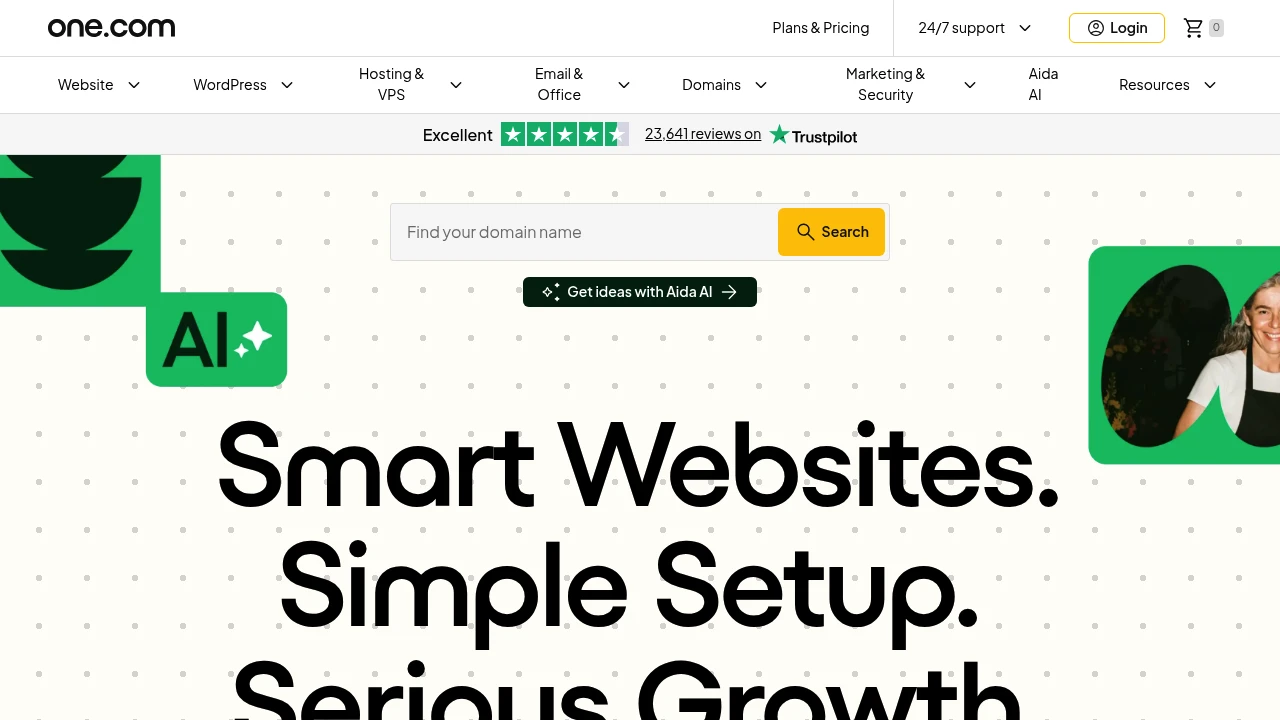
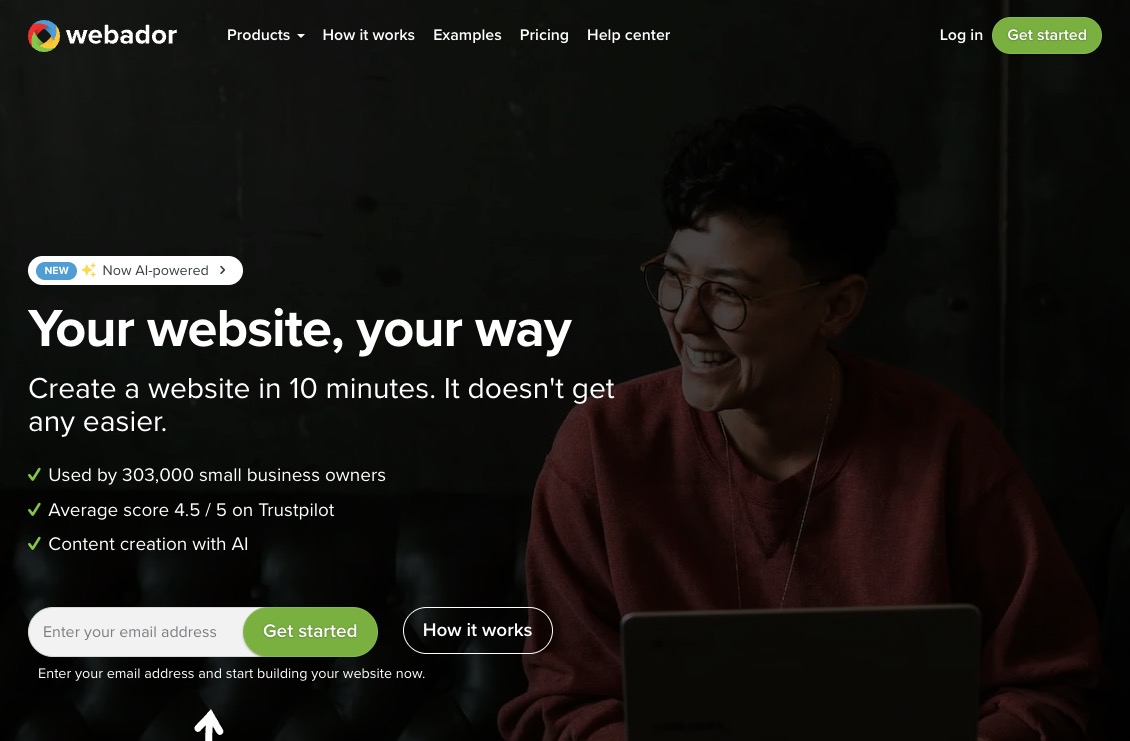
For a fast, business-led launch, one.com and Webador are sensible starting points. one.com’s website-builder page describes an AI-assisted setup, European hosting, and plans that can add a blog, search optimisation tools, payments, or bookings. Webador’s public site describes an AI-led starting flow, drag-and-drop editing, responsive design, and online-store features. Those are useful when one person needs to own the site without a development team.
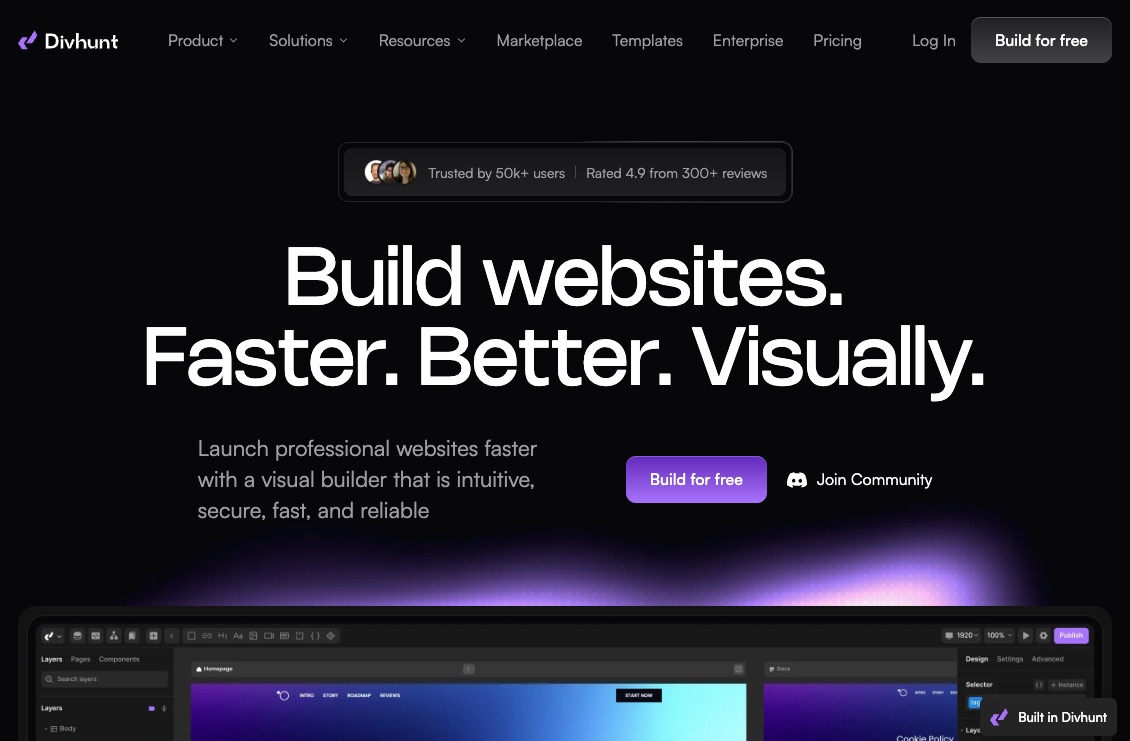
Divhunt is a stronger fit when the marketing team needs a visual workflow but technical colleagues still care about structured content, APIs, and localisation. Its public product page positions it as a visual builder for coders and no-coders, with CMS, SEO, REST API, localisation, and developer tooling listed as product areas. Verify the current hosting configuration that applies to your plan before treating any deployment choice as fixed.
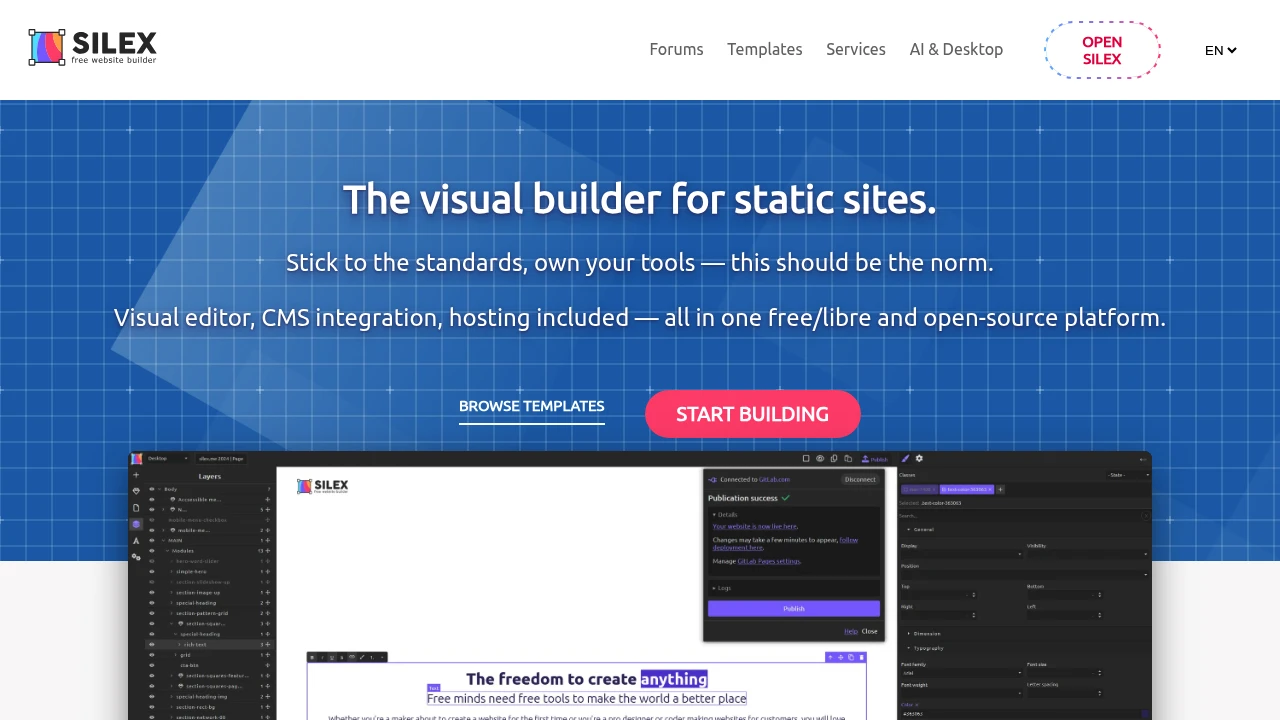
Silex is different again. Its official site describes a free/libre, open-source visual builder for static sites, CMS integration, and self-hosting. That can reduce platform lock-in for a team that is comfortable choosing its own hosting and maintaining the resulting setup. It may be less suitable when you need a fully managed site online immediately.
Build privacy into the launch checklist
The most privacy-conscious website builder can still become a messy stack after you add marketing scripts. Before launch, inventory every form, embed, tracking tag, and user account. Keep only what has a clear purpose.
Then make the implementation visible to the people who run the business:
- Name the owner of each form, inbox, integration, and admin account.
- Test the contact and checkout journeys with only essential services enabled.
- Document where leads go, how long they are retained, and how someone can export or delete them.
- Check that your privacy notice reflects the tools you actually use.
- Review consent and script blocking where non-essential technologies are present.
For the consent layer, EuroToolKit’s cookie banner guide can help you frame the buying questions. If the site needs professional mailbox accounts too, pair the builder decision with the options in our European email-provider guide. Neither guide replaces legal or security advice, but both help turn a vague “GDPR-ready” requirement into checks a team can complete.
Choose for the next year, not only launch day
The best European website builder is the one your team can keep accurate, secure, and useful after the launch excitement fades. Start with the simplest tool that supports your actual job: a managed all-in-one option for a straightforward business site, a more flexible visual platform for a structured marketing build, or an open-source route when control and portability matter most.
Before buying, run a small proof of concept. Build one real landing page, connect only the integrations you genuinely need, and test editing, mobile layout, form delivery, exports, and access controls. Ask the vendor for the current data-processing and hosting documentation that applies to your chosen plan. That is more valuable than a broad claim that a tool is “compliant.”
Your website is not only a design project. It is a small operating system for customer communication, content, and sometimes payments. Choosing a European provider can support a more GDPR-conscious stack, but your own configuration, contracts, and day-to-day governance still matter. Make the decision with a clear data map and an exit plan, and you will have a site that is easier to grow and easier to change later.
 SparkReceipt — Never lose another receipt. Get your bookkeeping down to ten minutes a month.