Top 5 Cookie Banners for Compliance in Europe
Compare 5 cookie banners for compliance, consent logs, script blocking, EU hosting, and user-friendly consent flows for European startups choosing a CMP.

Written by Kevin Christensen
Choosing a cookie banner sounds simple until you need it to work across analytics, ads, privacy notices, and real user consent. The best cookie banners for compliance do more than show a pop-up. They scan your site, block scripts before consent, keep consent records, and help your team explain choices in plain language. If you run a European startup, agency, SaaS company, or ecommerce site, that matters because consent banners sit right where legal, marketing, and user experience meet. It also matters because a bad banner can train visitors to distrust your brand before they read a single page. This guide compares five GDPR-conscious options from the EuroToolKit Cookie Consent Management category. You will see where each tool fits, what to check before buying, and which common mistakes to avoid. It is not legal advice, and a tool alone cannot make your whole setup compliant. But the right consent management platform can reduce risk, support your documentation work, and make it much easier to respect user choices without breaking your growth stack.
The top 5 cookie banners for compliance

What makes a cookie banner compliance-ready?
A compliance-ready cookie banner is not just a design element. It is part of your consent process.
For many European businesses, the key question is whether non-essential cookies and trackers stay off until the visitor has made a clear choice. That is why script blocking, cookie scanning, consent logs, and clear banner text matter so much.
European regulators also pay attention to the way choices are presented. The EDPB Cookie Banner Taskforce report discusses common banner problems such as confusing choices, pre-selected options, and designs that push users toward accepting. The French data protection authority CNIL has also warned against dark patterns in cookie banners, including cases where rejecting cookies is harder than accepting them.
So, when you compare tools, look for practical controls such as:
- Automatic cookie and tracker scans
- Prior blocking for non-essential scripts
- Consent logs you can export or review
- Clear accept, reject, and settings choices
- Multi-language support for European visitors
- Google Consent Mode or IAB TCF support if you run ads
- Easy updates when your tools or tags change
A good CMP is like a traffic light for your website scripts. It does not write the law for you, but it helps control what can run, when it can run, and which user choice triggered it.
How the 5 tools compare
Each tool below can support cookie consent work, but they fit different teams.
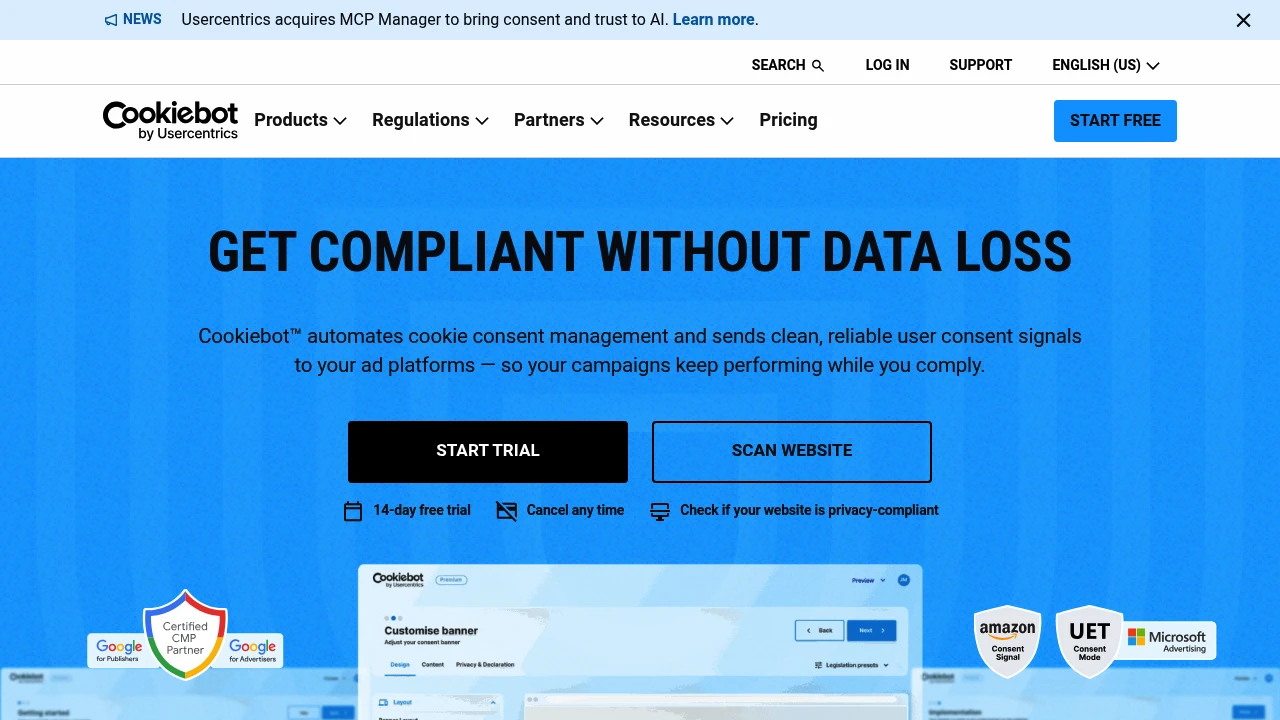
Cookiebot is a strong general-purpose choice if you want automated scanning and broad CMP features from a well-known European provider. It is especially relevant for teams using analytics and ads because consent-aware integrations can become part of the setup.
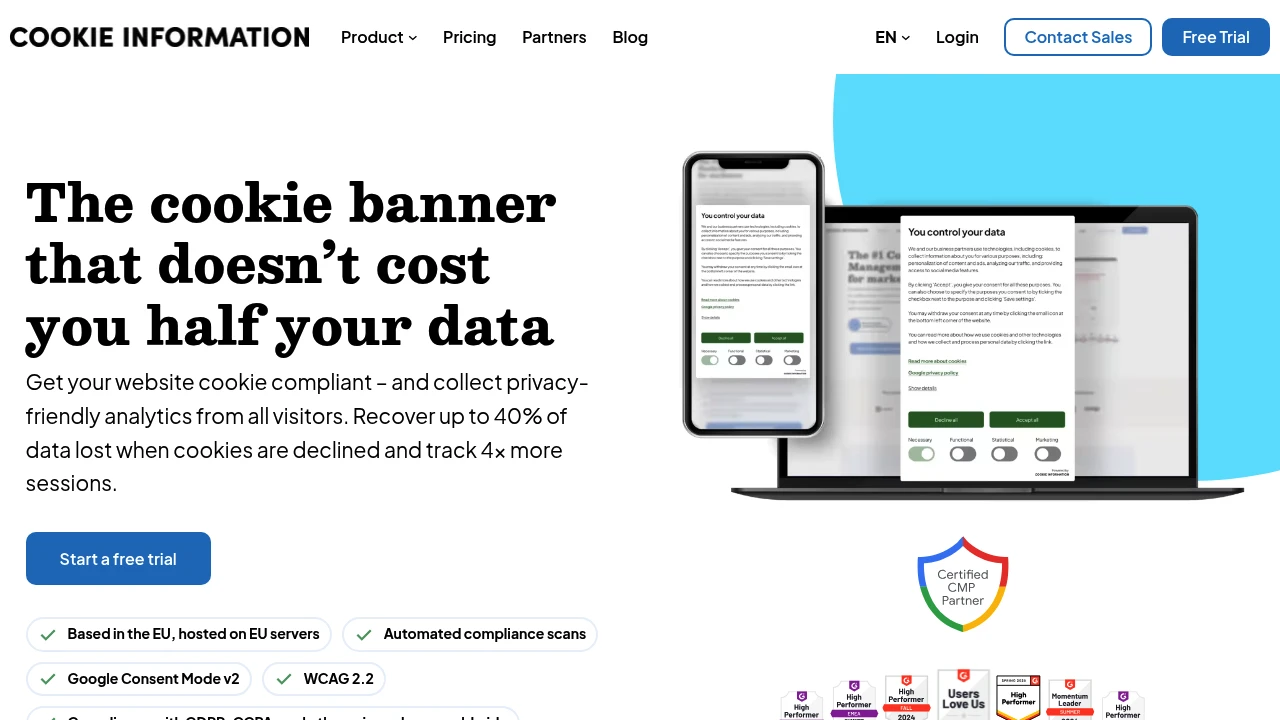
Cookie Information stands out for teams that care about EU data handling and analytics visibility. Its EuroToolKit listing highlights Danish ownership, hosting in the Netherlands, and a focus on recovering insights while respecting users who decline cookies.
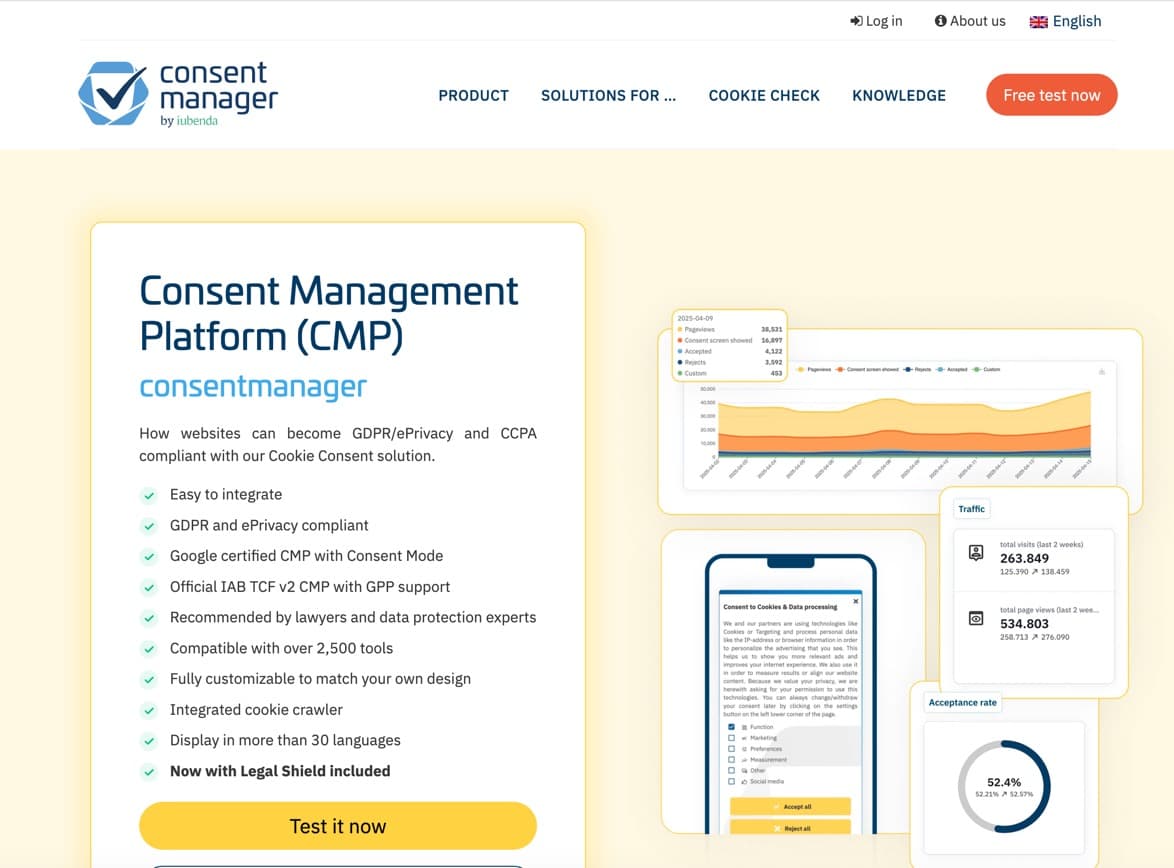
consentmanager is useful when optimization matters. If your team wants reporting, A/B testing, and banners in many languages, it can help you improve the consent experience without guessing.
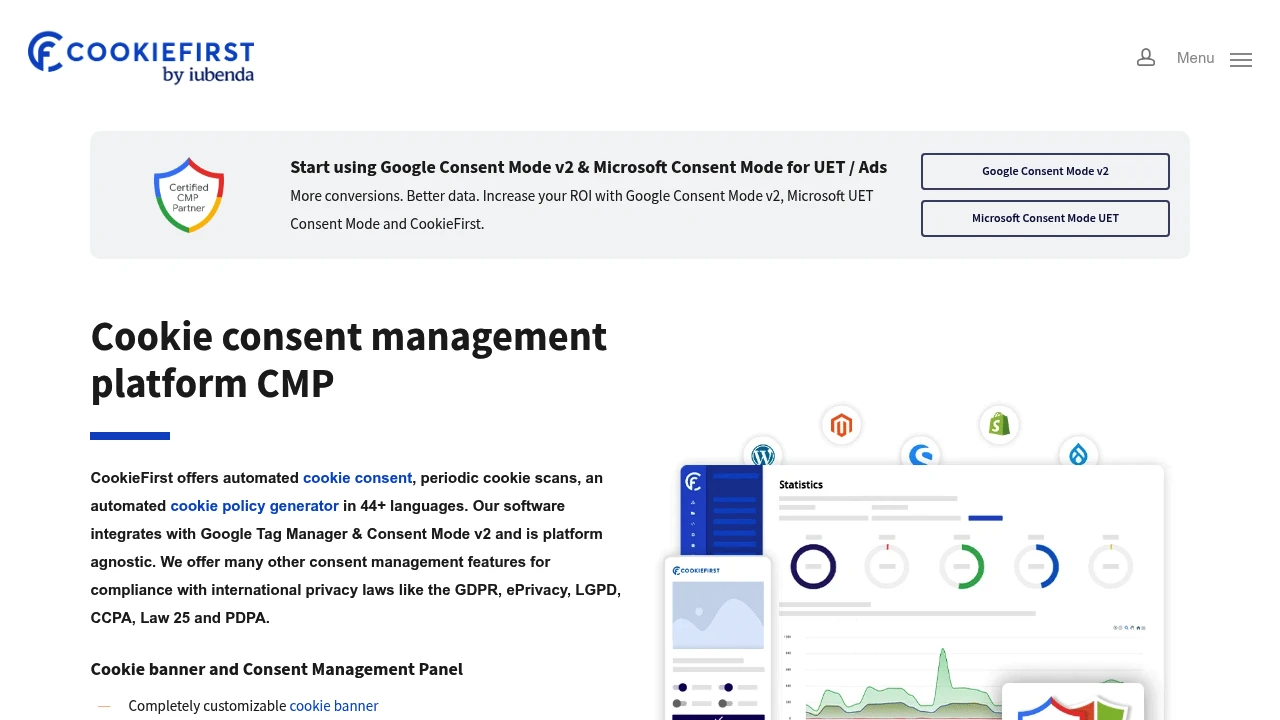
CookieFirst is a practical pick for startups that want clear scans, consent records, and multilingual banners without building a complex process from scratch. It is especially useful when you need a simple but structured CMP workflow.
Borlabs Cookie is more focused than the others. It is a WordPress plugin, not a broad standalone CMP for every stack. That can be a strength if your site runs on WordPress and you want direct control over embedded content, analytics scripts, maps, and videos.
If you are already reviewing your wider compliance stack, pair this with EuroToolKit’s guide on why compliant software matters when starting an EU business. And if your concern is broader data exposure, the article on the US CLOUD Act and FISA 702 gives helpful background for European SaaS buyers.
How to choose the right banner for your business
Start with your website stack, not the tool’s feature list.
If you run WordPress, Borlabs Cookie may be easier to deploy than a heavier CMP. If you run a SaaS marketing site with Google Ads, analytics, a CRM pixel, and multiple regions, Cookiebot, consentmanager, CookieFirst, or Cookie Information may fit better.
Next, map the tools and scripts on your site. You need to know what you are asking users to consent to before you can design a fair banner. Most teams should check:
- Analytics tools
- Ad pixels and retargeting tags
- Chat widgets
- Embedded videos or maps
- Heatmaps and session recording
- Affiliate or tracking scripts
- CRM and form tracking
Then decide how much control your team needs. A solo founder may value fast setup and clean defaults. A scaling company may need audit logs, multi-language banners, role-based workflows, and deeper integrations.
Finally, test the user experience. A banner that annoys visitors can damage trust. A banner that hides the reject option can create compliance risk. The best balance is clear, honest, and easy to use.
Common cookie banner mistakes to avoid
The biggest mistake is treating the banner as a one-time task.
Your website changes. Marketing adds a new pixel. A sales team embeds a new chat widget. A developer adds a video tool. If your CMP does not scan often or your team never reviews the results, your cookie notice can drift out of date.
Another common mistake is using vague labels. “Improve your experience” may sound friendly, but it does not tell users much. Clear categories such as necessary, analytics, marketing, and preferences are easier to understand.
You should also avoid designs that make one choice feel hidden or punished. If accepting takes one click but rejecting requires hunting through settings, that can undermine trust and may create regulatory risk.
In short, do not ask your banner to do the work of your whole privacy program. Use it as one part of a wider process that includes your privacy policy, vendor review, data processing agreements, and regular tag audits.
Final recommendation
For most European startups, the best cookie banner for compliance is the one your team will actually maintain. Cookiebot is a strong all-round CMP. Cookie Information is worth a close look if EU hosting and analytics recovery are priorities. consentmanager fits teams that want optimization and reporting. CookieFirst works well for practical, multilingual consent management. Borlabs Cookie is a good choice when your website is built on WordPress and you want plugin-level control.
Before you choose, list your current scripts, decide which categories you need, and check how each CMP handles blocking, consent logs, languages, and integrations. Also involve whoever owns privacy or legal review in your business. A CMP can support GDPR-conscious work, but it does not replace that review. Your final setup still depends on your tracking tools, your lawful basis, your privacy text, and how you document vendor decisions.
The good news is that you do not need to solve this from scratch. Start with the tools in EuroToolKit’s Cookie Consent Management category, test the setup on your own site, and choose the banner that gives users clear choices while keeping your business stack practical. Revisit the setup whenever your marketing stack changes, because cookie compliance is not a launch task. It is a maintenance habit.
 SparkReceipt — Never lose another receipt. Get your bookkeeping down to ten minutes a month.